 12:11
Engineering
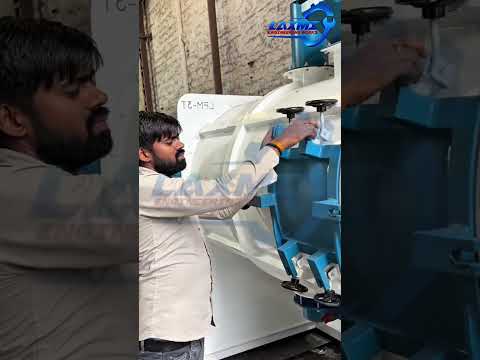
Cold Store Racking Start | Complete Guide | M Alam and Sons Engineering Works
NawbZada 50.5M Views 2 day ago ...
While working from home, Norm experiments with different camera setups for Zoom meetings, podcasting, and livestreaming with OBS Studio software. Here's how you can get much better video quality than your laptop's built-in webcam by using either an iPhone, Canon DSLR or mirrorless camera, or camcorder, and the pros and cons of each. You can get great-looking video even without a capture card! (update: Sony has now released software to use their mirrorless cameras as webcams: https://support.d-imaging.sony.co.jp/app/webcam/en/) Elgato Cam Link 4K: https://amzn.to/3bTfq2I OBS Camera app for iOS: https://obs.camera/ OBS Virtual Camera Plugin: https://obsproject.com/forum/resources/obs-virtualcam.539/ Canon Webcam Utility Beta: https://www.usa.canon.com/internet/portal/us/home/support/self-help-center/eos-webcam-utility/ OBS Studio: https://obsproject.com/ Panasonic Lumix Tether app: https://www.panasonic.com/global/consumer/lumix/lumixtether.html Sony Imaging Edge Webcam: https://support.d-imaging.sony.co.jp/app/webcam/en/ Android live camera options: https://play.google.com/store/apps/details?id=com.pas.webcam&hl=en_US https://play.google.com/store/apps/details?id=com.dev47apps.droidcam&hl=en_US Tested Ts, stickers, mugs and more: https://teespring.com/stores/adam-savages-tested Subscribe for more videos (and click the bell for notifications): http://www.youtube.com/subscription_center?add_user=testedcom Twitter: http://www.twitter.com/testedcom Facebook: http://www.facebo
Published 2020-04-30 · Watch on YouTube ↗
Availability and playback restrictions are controlled by the original channel.
12:11NawbZada 50.5M Views 2 day ago ...
 01:53
 01:33
Laxmi Engineering works (Hariom Saini)
 04:14
 04:06
 01:50
 02:01
Allow Google Analytics to measure visits. Your history stays in your browser. Privacy details